Mission Control
Every flight, live, from the ground.
NOVTAR Mission Control talks to N-1 by radio through the ground station: live altitude in 3D, GO / NO-GO checks, ping, locate and a log of every flight. Try it here in Simulation mode.
In simulation
What it looks like during a flight.
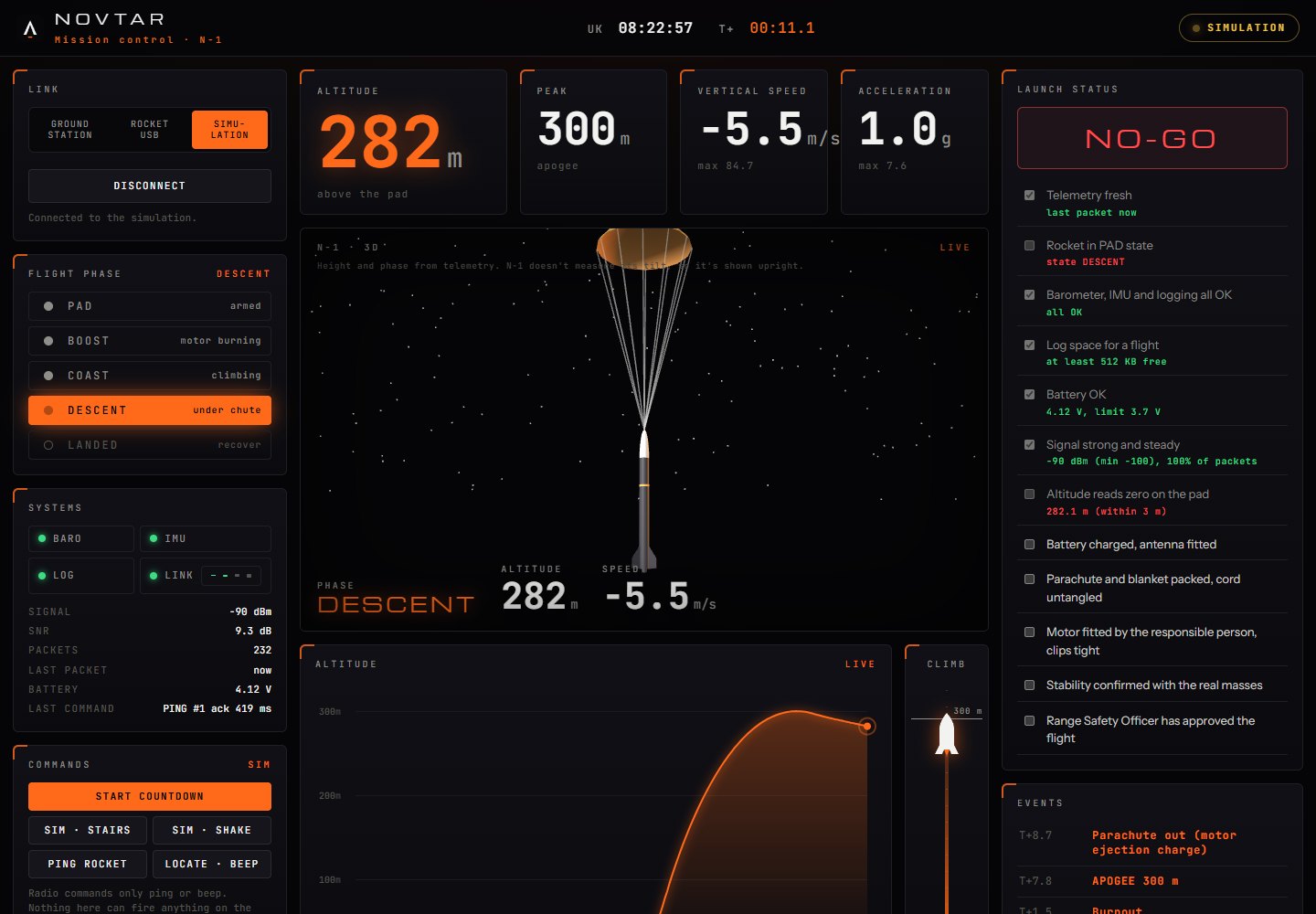
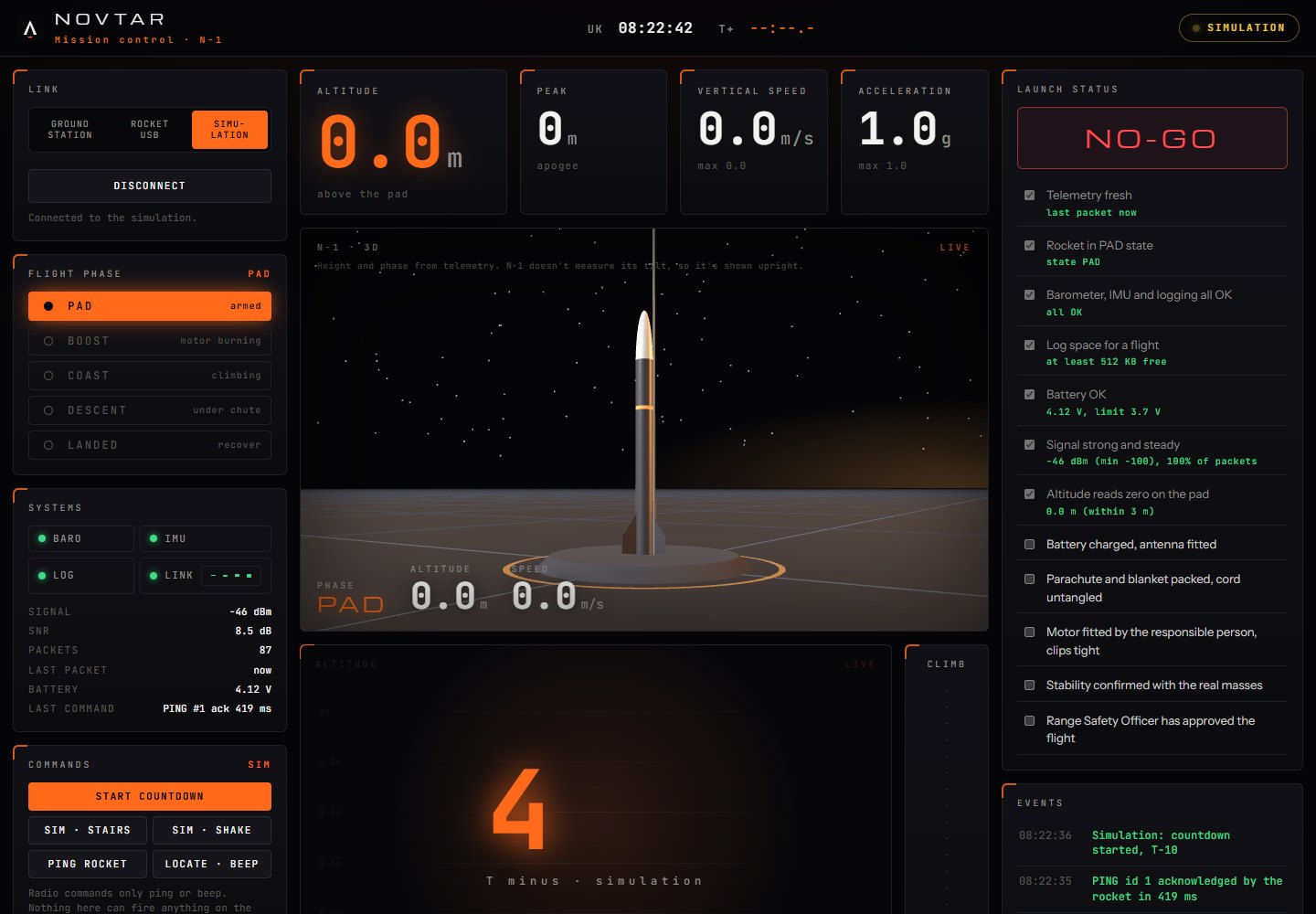
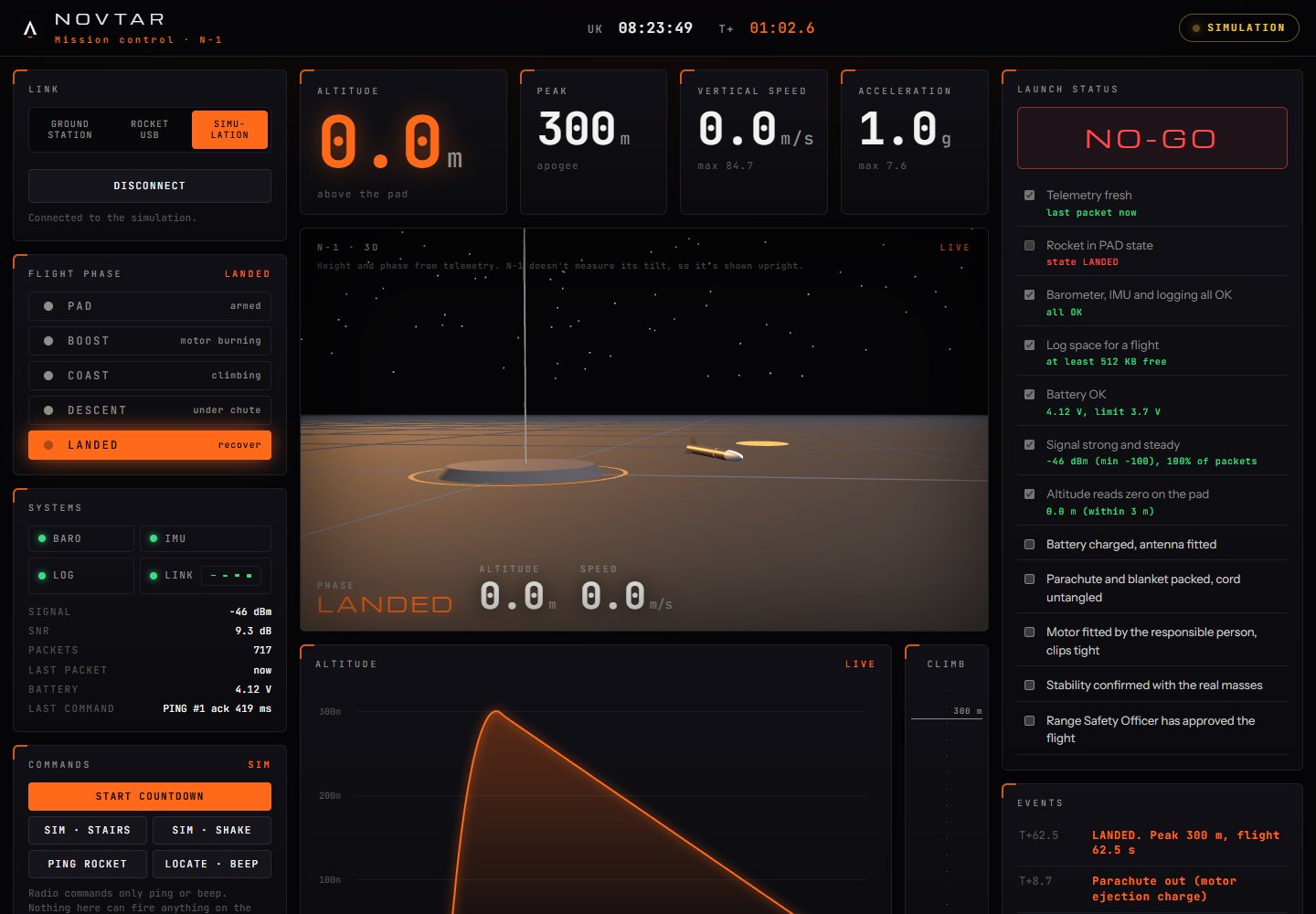
These screenshots are from Simulation mode: a simple model of N-1 so the dashboard can be used before the hardware exists. The simulated peak of about 295 m is illustrative, not a prediction.
What it does
Everything on launch day, on one screen.
Live 3D view
N-1 built from its real dimensions: on the rail, the burn, the climb past altitude markers, the parachute and the landing. Saved flights replay in 3D.
Three modes
Ground station (live radio), Rocket USB (download the log after landing) and Simulation, so the dashboard can be used before the hardware exists.
Live flight
Altitude, speed and g charts, the flight phase, an altitude tape, signal strength and battery.
GO / NO-GO
Automatic checks with the reading next to each: fresh telemetry, PAD, sensors and logging, flash space, battery, signal and height near zero. Plus the manual checks for launch day.
Commands
PING and LOCATE only, with the rocket's acknowledgement time. Nothing here can fire anything on the rocket.
Bench tests
Start-up, a stairs test for the barometer, shake to BOOST and back, range, a 1 hour battery timer and the log download.
Flight library
Every session saved as a CSV with an events log, replayable later, and turned into a flight report.
How it runs
In this browser, or as our Windows app.
- Here on the website: open Mission Control and fly a simulated N-1. In Chrome or Edge on a computer it can also talk to the ground station over USB.
- As a Windows app on our launch laptop: the same dashboard in its own window, with flights saved as files. It needs no internet, which matters at a field.
- The ground station plugs in over USB and passes on what the rocket radios down.
- Like the flight computer, it has been tested end to end in Simulation mode only. Not yet tested with real hardware.