Updated 2026-11-23 · 5 min read
What is OpenRocket?
OpenRocket's documentation (OpenRocket 23.09 docs, read 23 November 2026) calls it an open-source model rocket simulator, written in Java so it runs on Windows, macOS and Linux. It was first developed by Sampo Niskanen in 2009 as part of a master's thesis at what was then Helsinki University of Technology. It has two parts: rocket design, and flight simulation. It works out the aerodynamics of the design and simulates the flight with a Runge-Kutta 4 simulator.
What can it tell you before you build?
The design view shows size, mass, estimated apogee, maximum velocity, maximum acceleration, stability, centre of gravity (CG) and centre of pressure (CP). Our stability guide explains CG and CP. The documentation says people often simulate to see what height a rocket and motor will reach, to stay below a height limit or below cloud, or to avoid the rocket drifting miles downwind. It is also used to find how long the ejection delay needs to be. See our guides on how high a rocket goes and how far it drifts.
How do you run a simulation?
According to the documentation:
- Build the rocket in the design view, or start from a downloaded or example model.
- Open the Motors and Configuration tab and start a new configuration.
- Select a motor. You can filter the list by maker, total impulse and motor size. A motor must fit your motor mount tube, and you can use an adaptor for a smaller one.
- Choose an ejection charge delay. The list offers the standard delays for that motor, or you can type your own in seconds.
- Run the simulation. A green indicator with a check mark means it worked.
Check that the motor and impulse class are legal and sensible for you first. Our motor codes guide explains the letters.
What do the warnings mean?
OpenRocket can mark a simulation as non-working. The documentation lists conditions such as too slow off the launch rod (an unstable launch), too short a delay (early parachute deployment, with a risk of the shock cord tearing the airframe), too long a delay (late deployment or a hard ground hit), and a ground-hit speed that is too high. It says these are common conditions, not a complete list. Our launch rail guide covers speed off the rail.
Where do the motor numbers come from?
The documentation says a thrust curve is a file of thrust against time, plus data such as motor mass. OpenRocket reads the RASP .eng and RockSim .rse formats, and it says .rse is preferred where available because it can include the motor's centre of mass. It uses the thrustcurve.org database as the source for its motor list, and corrects thrust for air pressure when the nozzle size is known. Our thrust curve guide shows how to read one.
How far can you trust it?
The documentation says a good simulation needs an accurate digital model of the rocket, and it has a section on what accuracy to expect. See why real rockets often fly lower than the simulation. Treat the result as an estimate, and check it against real flights and altimeter readings. Our altimeter guide covers measuring a flight.
What does this mean for NOVTAR Solace?
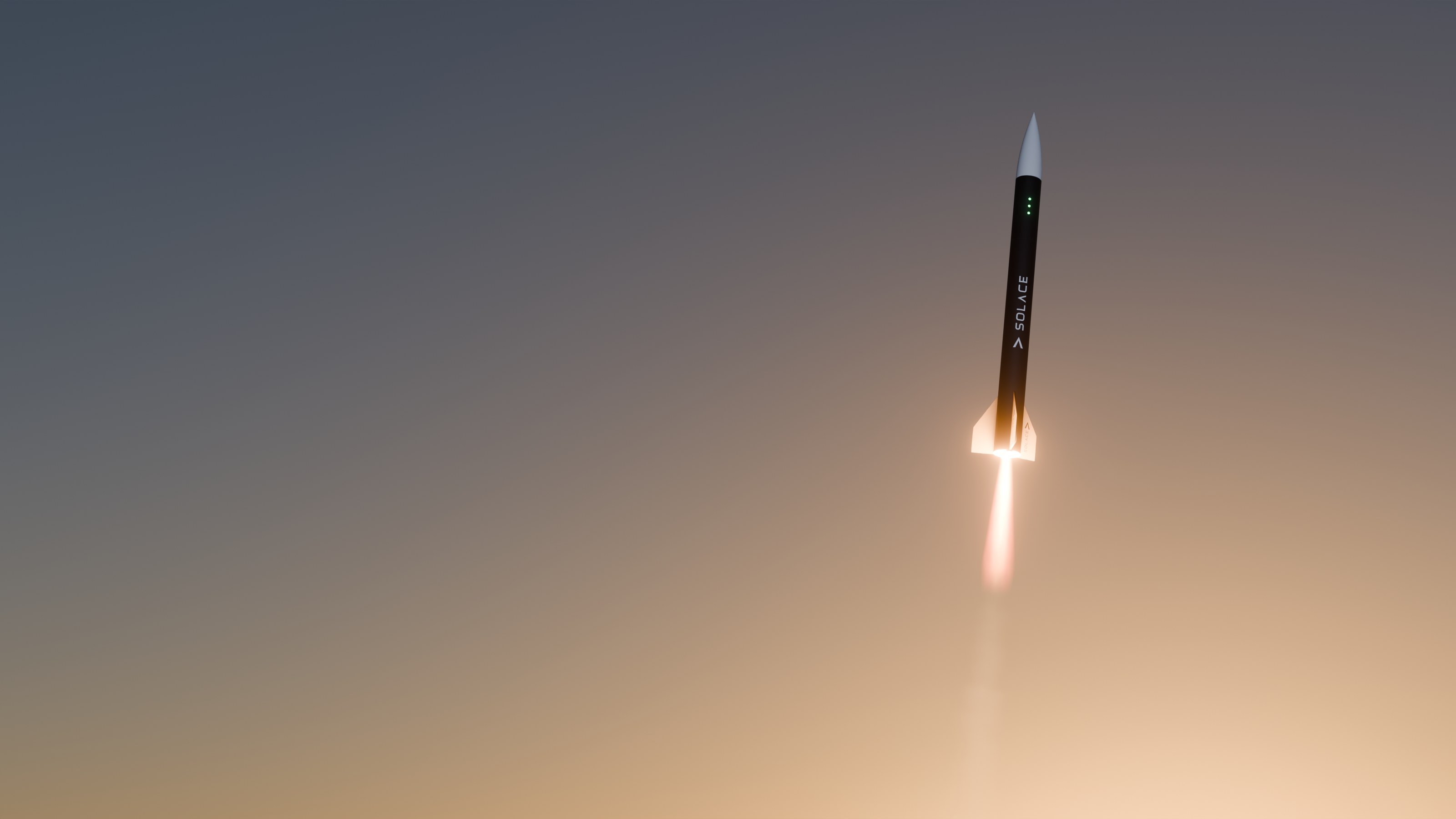
Our own centre of pressure figure for NOVTAR Solace comes from our own calculation, and our stability guide says we will check it against OpenRocket with the real motor. NOVTAR Solace is in build and has not flown, so no OpenRocket result has been compared with a real flight. NOVTAR is not connected to the OpenRocket project. See our safety page.
Questions
Where can I learn the rest of OpenRocket?
NOVTAR has a guide for each part: components, overrides, launch and wind defaults, plotting and export, custom expressions, lookup tables and extensions. They are listed in this guide.
What is OpenRocket?
A free, open-source model rocket simulator that runs on Windows, macOS and Linux. You design a rocket, pick a motor and simulate the flight.
What does OpenRocket tell you?
Estimates of apogee, maximum velocity and acceleration, stability, CG and CP, and a suitable ejection delay.
How do you choose a motor in OpenRocket?
Start a new configuration, select a motor, and filter by maker, total impulse and size. The motor must fit the mount tube.
Where does OpenRocket get its motor data?
From thrust curve files. Its motor list uses the thrustcurve.org database, according to its documentation.
Is a simulation the same as a real flight?
No. It depends on how accurate your digital model is. Check it against real flights.
Has NOVTAR Solace been simulated against a real flight?
No. NOVTAR Solace has not flown.
OpenRocket can also be extended with add-ons such as air-start and roll control, as our simulation extensions guide explains.
Where can you learn each part of OpenRocket?
We have written a guide for each part of OpenRocket, each from its own documentation page:
- Design a rocket from components
- Overrides: mass, CG and drag
- Launch and wind defaults in Preferences
- Plot and export flight data
- Custom expressions
- Aerodynamic lookup tables
- Simulation extensions
- Why a rocket flies lower than the simulation
Next steps
- Design a model rocket in OpenRocket: the components
- UKRA Level 2 certification, which asks for a simulation
- OpenRocket: plot, export and wind settings
- Model rocket stability: CG and CP
- How to read a model rocket thrust curve
- How to build a model rocket in the UK
Read the originals: the OpenRocket documentation overview, basic flight simulation and thrust curves.