Updated 2026-11-23 · 4 min read
What can OpenRocket plot?
OpenRocket's Advanced Flight Simulation documentation (OpenRocket 23.09 docs, read 23 November 2026) says you open the Plot / Export button on the Flight simulations window, then the Plot data tab. You can put any of over 50 variables on the Y axes, with time usually on the X axis, in groups such as position and motion, stability, thrust and drag, and atmospheric conditions. You can add several Y axes, with scales on the left or right. This builds on our guide to simulating with OpenRocket.
Which flight events can you mark?
The documentation says you can call out events on the plot. Its example plot, a simple rocket on a C6-5 motor, marks motor ignition, motor burnout, apogee, recovery device deployment and ground hit. Our flight phases guide explains what each event is.
How do you set wind and the launch site?
From the Plot data window you can edit launch conditions before plotting. According to the documentation you can set wind, and the launch site's latitude, longitude and altitude, plus atmospheric conditions. It says atmosphere affects ascent speed and the local speed of sound. This is also where you set the launch rod or rail length, which affects whether the simulation passes or fails on minimum speed off the rod. The simulation options tab lets you pick the shape of the simulated Earth and the time resolution. Wind sets how far a rocket drifts, which our drift guide covers.
What are lookup tables?
The documentation says OpenRocket normally uses the Extended Barrowman method for drag and stability, but you can override it with your own drag or stability data from wind tunnel tests, CFD or other sources, loaded from CSV tables. It says the tables completely replace the Barrowman calculations for what they cover, and you cannot mix the two. Most model rocket builders will not need this.
How do you export the data?
On the Export data tab you choose any of the over 50 values and click Export. The documentation says the file is a comma-separated values (CSV) file, with other separators such as semicolon, space or tab available. Optional comments list the flight events and field descriptions.
How do you compare it with a real flight?
This part is our suggestion, not from OpenRocket's documentation. Export the simulated altitude against time, then load it beside your altimeter or flight log in a spreadsheet. Line the two up from motor ignition, and compare apogee, time to apogee and the descent. If they differ a lot, see why real rockets often fly lower than the simulation. Our altimeter guide covers what a log can show.
What does this mean for NOVTAR Solace?
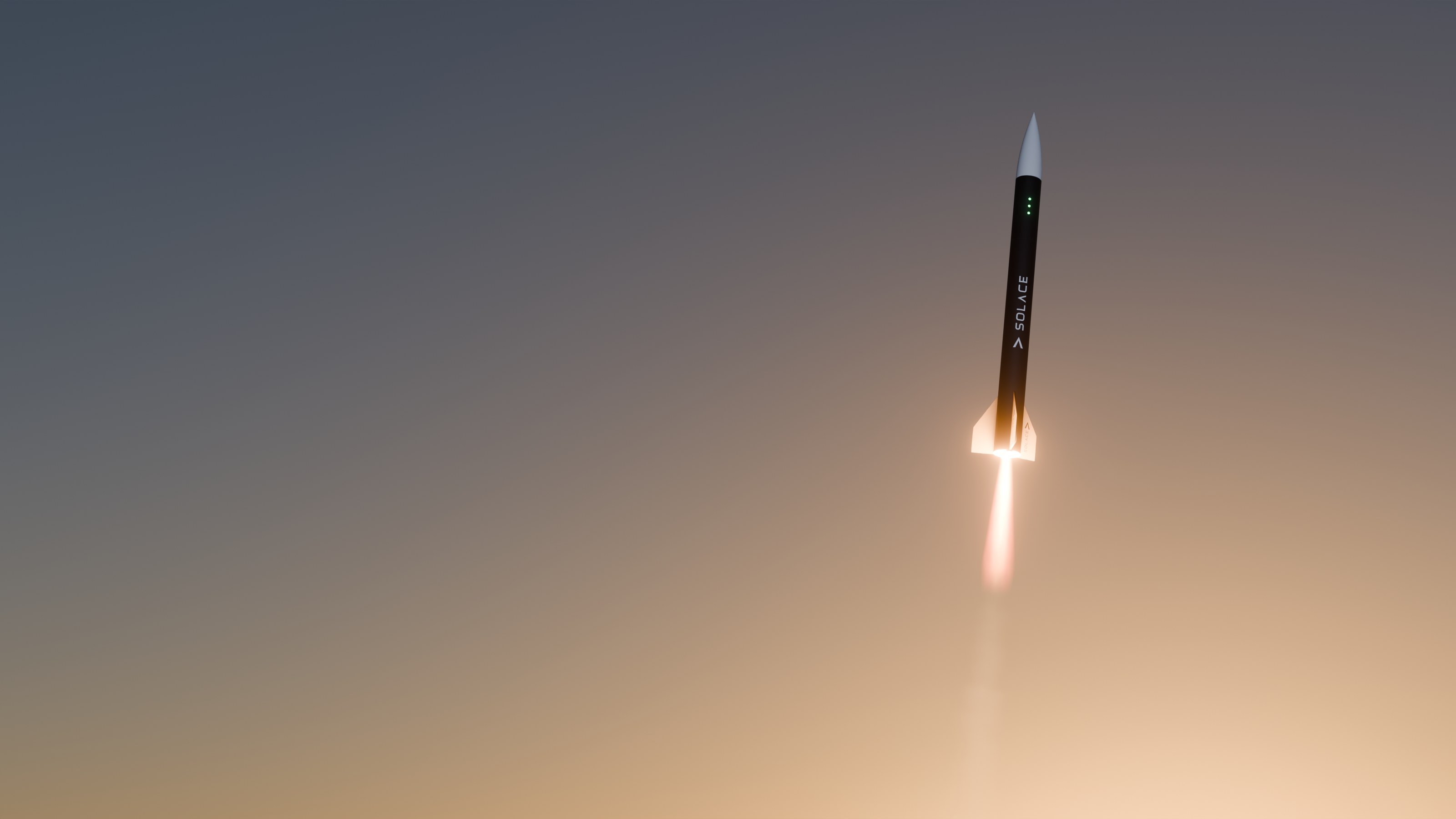
NOVTAR Solace is in build and has not flown. Its flight computer is designed to write a CSV log of each flight, so a comparison like this is planned once there is a real flight. Until then, any simulated figure for NOVTAR Solace is an estimate. NOVTAR is not connected to the OpenRocket project. See our safety page.
Questions
Can OpenRocket plot altitude and speed?
Yes. You can plot any of over 50 variables, including altitude, vertical velocity and acceleration, against time.
Can OpenRocket export data?
Yes. The Export data tab writes a CSV file of the values you choose, with other separators available.
Can OpenRocket include wind?
Yes. You can set wind, launch site and atmospheric conditions in the launch conditions before plotting.
Where do I set the launch rail length?
In the launch conditions. It affects whether the simulation passes the minimum speed off the rod check.
Can I compare a simulation with my altimeter log?
Yes, by exporting the simulation as CSV and lining it up with your log. This is our suggestion, not OpenRocket's.
Has NOVTAR Solace flown?
No. There is no real flight to compare with yet.
If you have wind tunnel or CFD data, OpenRocket can also use it in place of its own drag and stability calculation, as our lookup tables guide explains.
OpenRocket can also calculate your own values, such as a filtered acceleration, as our custom expressions guide explains.
Next steps
- How to work out rocket speed and acceleration
- How to simulate a model rocket with OpenRocket
- Why a model rocket flies lower than the simulation says
- How far will a model rocket drift?
Read the original: OpenRocket, advanced flight simulation.